Shopify-ready content packs — no plugin, no API token
Paste a URL. Get HTML description, SEO title, meta, image alt text, optional product images, and a CSV row. Copy-paste or bulk import — your store stays untouched.
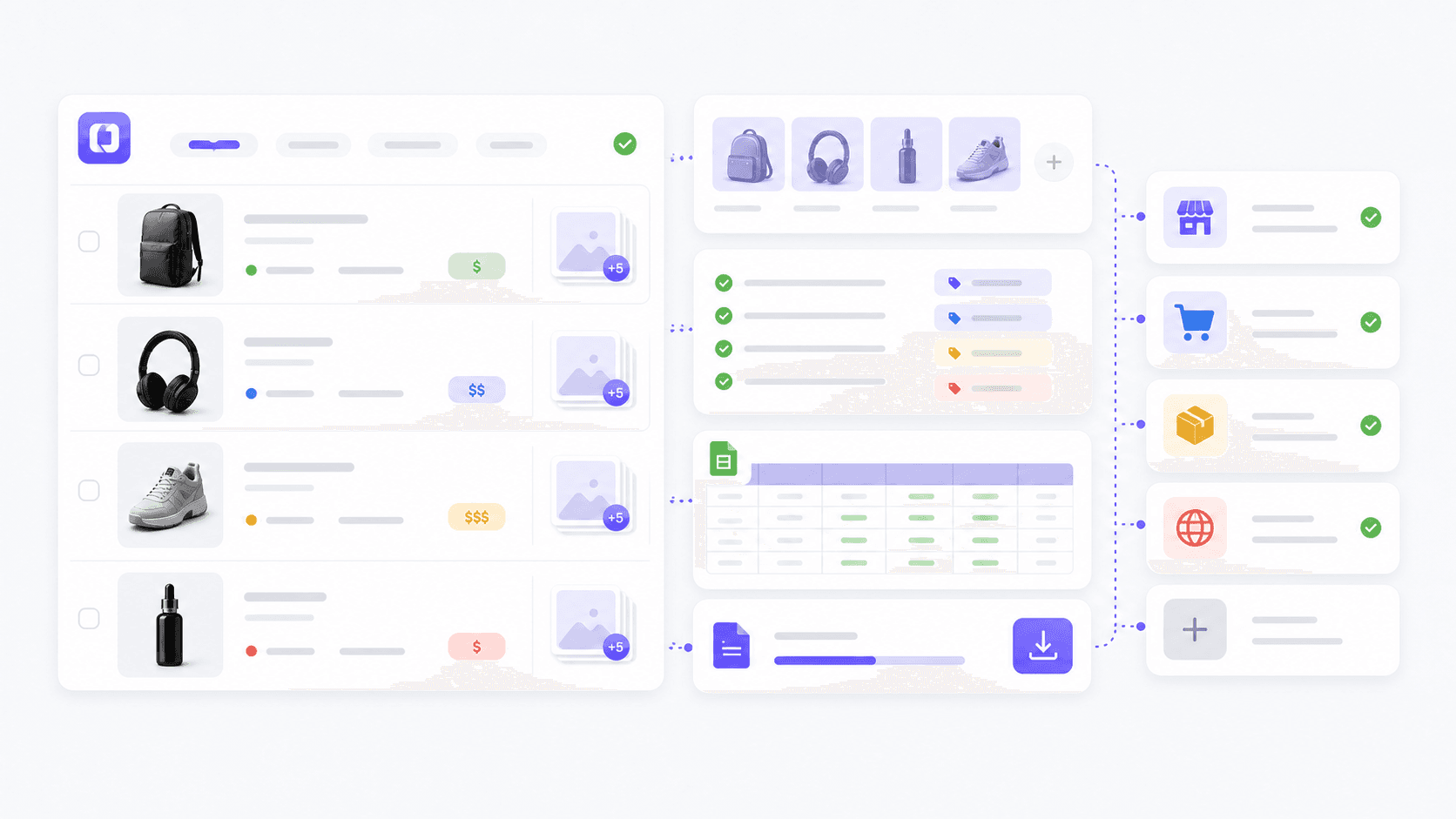
From URL to Shopify listing in 3 steps
Paste a product URL
AliExpress, Amazon, Shopify (yes, your competitor), or any product page. Listo extracts price, specs, variants, images, and deals.
Pick content and images
Generate the Shopify Content Pack by default. Add a four-image Product Image Pack when the product needs fresh catalog visuals.
Copy or export
Copy Shopify-ready HTML, download a CSV row for bulk import, or use generated image URLs inside Shopify CSV image fields.
Designed for Shopify, not against it
Shopify-ready HTML
The description includes <h3>, <ul>, and inline styling that survives Shopify's product editor. Paste once — no manual cleanup of formatting.
SEO fields auto-sized
SEO title under 60 characters, meta description 140-160 characters, focus keyword, and 3 image alt text suggestions — all sized for Shopify field limits.
Bulk CSV import
Paste a list of URLs, get a CSV with title, body_html, type, tags, variants, image, image_alt, and SEO fields — drop into Shopify Admin > Products > Import.
Product Image Pack
Generate main, lifestyle, detail, and blog/OG images for the product. CSV image fields use generated URLs when the pack is ready.
4 layout templates
Standard card for everyday listings, Deal spotlight for sale items, Comparison page for review-style content, Quick showcase for fast launches.
Frequently asked questions
Why no direct Shopify API connection?
Shopify's Custom App tokens require store-by-store setup and break easily when permissions change. We chose the copy/CSV workflow because it's portable, works on any plan, and respects Shopify's terms — your product data stays inside your store at all times.
How does this compare to Shopify Magic?
Shopify Magic only writes from product data you've already entered — you still type the title and bullet points first. Listo reads any external product URL and generates everything from scratch, including alt text and SEO metadata, in one step.
Can I import 100+ products from a list?
Yes. Buy enough credits for the batch, then paste a TSV of URLs or upload a file. Power Plans add higher queue limits and top-up bonuses for recurring catalog work.
What about variants and inventory?
Listo extracts variant data (size, color, capacity, etc.) from the source page and adds it to the CSV as separate rows. Inventory levels you set inside Shopify Admin afterward — Listo doesn't touch live stock numbers.
Preview the actual pack before importing anything.
The dashboard keeps every generated field visible. You can copy one field, copy the full CSV, or download the row after reviewing the source data.
Sample output
Shopify-ready content pack
Title
Minimalist Travel Backpack
SEO title
Minimalist Travel Backpack for Work and Weekend Trips
Meta description
A lightweight travel backpack with smart pockets, laptop storage, and water-resistant fabric for daily carry.
Tags
travel backpack, laptop bag, minimalist, carry-on
Image alt text
Black minimalist travel backpack with padded laptop compartment
Image pack
Main catalog, lifestyle, detail, and blog/OG URLs
<p>Carry work gear, daily essentials, and weekend items in one clean product page description.</p>
Try one product free, no signup
See exactly what gets pasted into your Shopify product editor before you commit.
Try free, no signup