Publish AI articles to WordPress in one click
Connect once. Listo handles extraction, writing, and direct publishing through REST or our Bridge plugin for hosts that block WP-JSON.
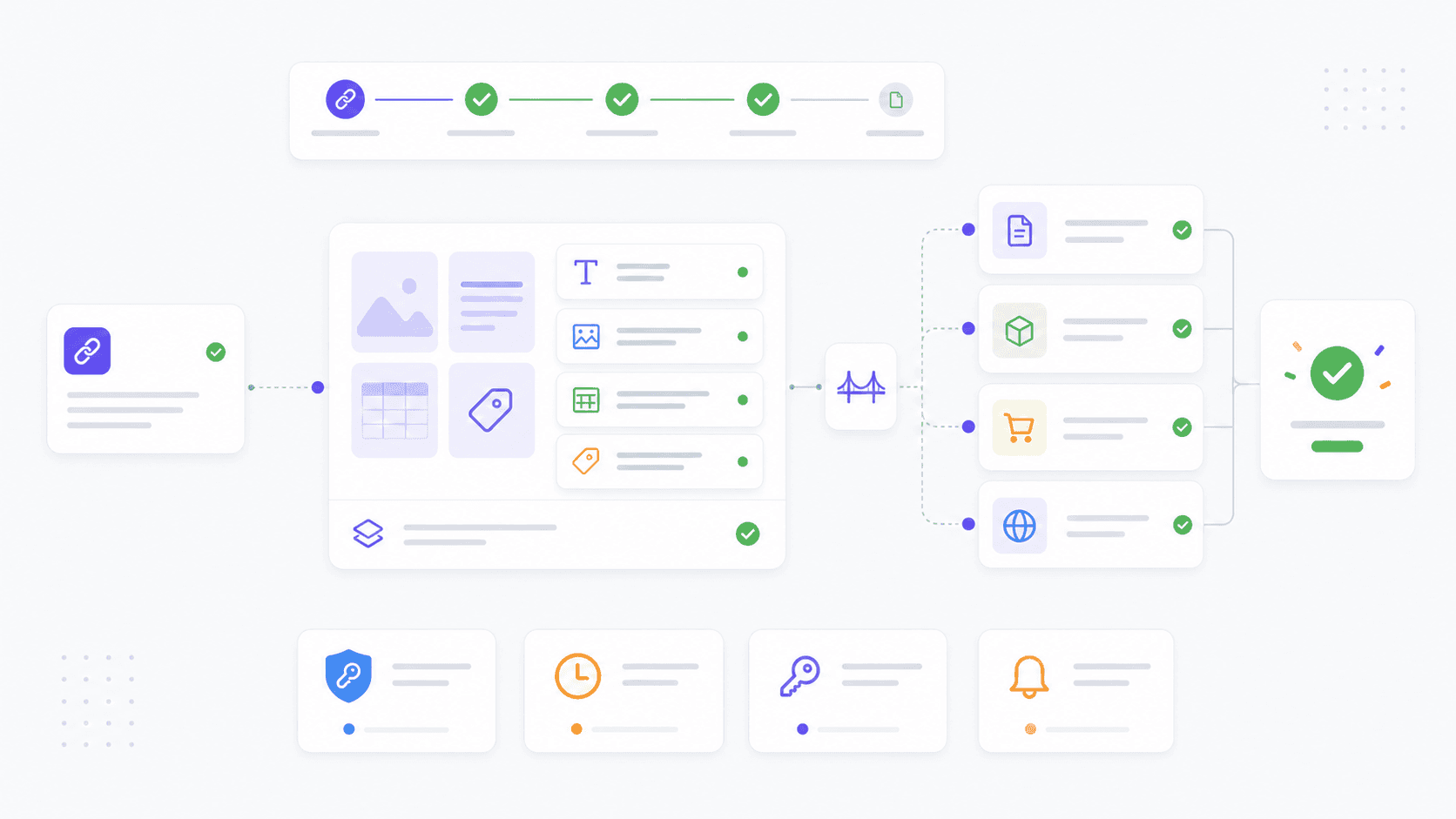
Set up in 3 steps
Add your WordPress site
In the dashboard, paste your site URL, username, and an application password. Listo verifies the connection in seconds.
Install the Bridge plugin (optional)
If your host blocks WP-JSON (Hostinger, GoDaddy, SiteGround all do), install the lightweight Bridge plugin — a single file that exposes a private endpoint Listo can reach.
Generate and publish
Paste a product URL, click generate, then click Publish. Articles appear as drafts or live posts with title, meta, tags, and featured image in place.
Built for real WordPress sites
Bridge plugin bypasses CDN blocks
Hostinger, GoDaddy, and SiteGround block external POSTs to /wp-admin/ and /wp-json/. Our Bridge plugin lives at the WordPress root and accepts a private key — no firewall conflict.
Scheduled publishing
Generate ten articles, schedule them for the next ten days. Listo writes them now and WordPress publishes on your timeline.
Yoast SEO compatible
Every article ships with a Yoast-compliant focus keyword, meta description, and readability score above 70 (active voice, ≤20-word sentences, H3 density).
WooCommerce products supported
The same connection publishes WooCommerce products with SKU, attributes, tags, and featured images set correctly. No separate plugin needed.
Frequently asked questions
Do I need to install a plugin?
Only if your host blocks REST API. We auto-detect that and prompt you to install the Bridge plugin (one PHP file, takes 60 seconds). On hosts that allow WP-JSON — like Cloudways or self-managed VPS — no plugin is needed.
Will published posts have my custom CSS?
Yes. The Bridge plugin removes the default wp_filter_post_kses sanitizer just for Listo posts, so iframes, custom CSS, and flexbox layouts survive the publish. After publish, the filter is re-enabled.
Can I edit the article before it goes live?
Always. Listo publishes as a draft by default. You see the full markdown preview in the dashboard, edit the SEO title or description, then publish when ready.
What if my WordPress version is old?
Bridge works with WordPress 5.0+ and WooCommerce 4.0+. We've tested on PHP 7.4, 8.0, 8.1, and 8.2. If the connection fails, our error message points to the exact PHP version or plugin conflict.
Ready to automate your WordPress publishing?
Three free credits on signup. No credit card. Connect your WordPress site in 60 seconds.
Create free account